User Guide
How do I create a style suggestion?
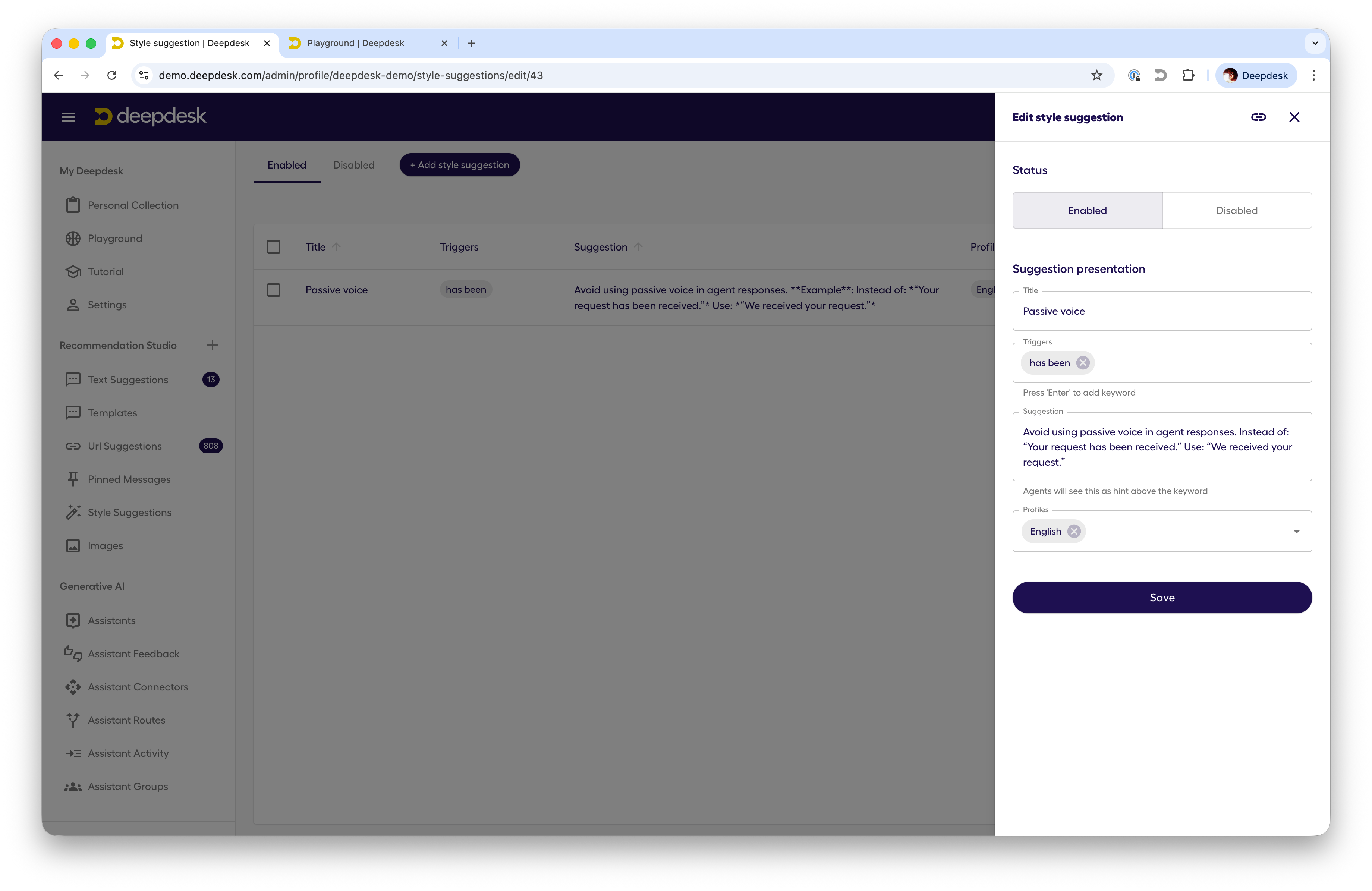
To create a style suggestion, follow these steps:
- Open the Style Suggestions page in Studio
- Add a style suggestion by clicking the "Add Style Suggestion" button
- Fill in the form fields:
- Title: A brief title for the style suggestion.
- Triggers: List of keywords or phrases that trigger the style suggestion.
- Suggestion: The suggestion text to be displayed when the keyword or phrase is detected.
- Profile: One or more profiles to which the style suggestion applies.
 .
.
Whenever a keyword or phrase is detected in a message, the suggestion text will be displayed in the message.
