Conversation Clipper: Overview
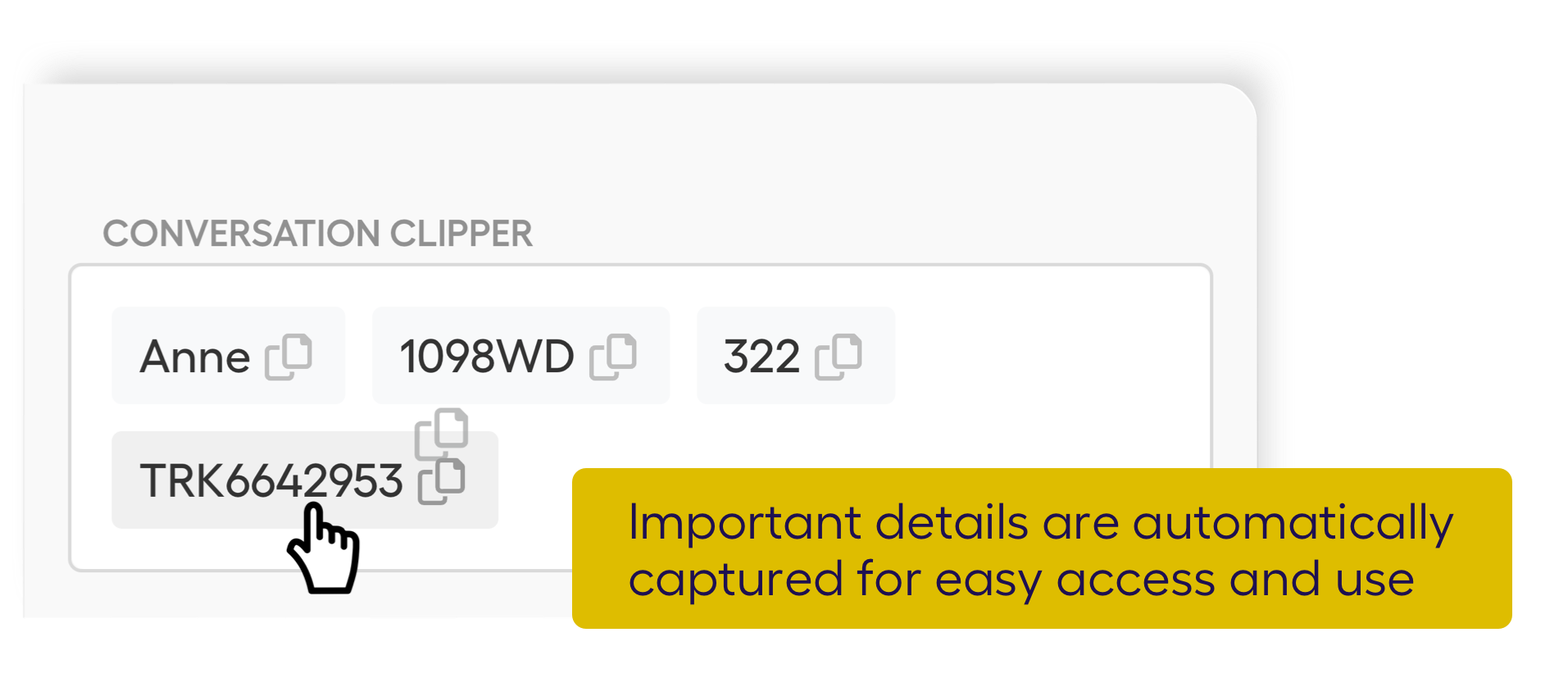
Deepdesk's Conversation Clipper is an AI-powered feature that automatically extracts key information from customer conversations and places it in a digital clipboard for agents. Instead of manually copying details like names, addresses, or order numbers, agents can access extracted information with a single click.
Key Benefits
- Save time: No more manually copying and pasting customer details from chat messages.
- Reduce errors: Automatically captured information eliminates typos from manual transcription.
- Never lose important data: Key details are preserved even in long or fast-moving conversations.
- Speed up resolution: Agents can instantly access customer information for lookups, form filling, or CRM updates.
The Conversation Clipper works alongside other Agent Assist features like response suggestions and summarization, giving agents a complete toolkit for efficient customer service.
How It Works
-
AI Detection: Deepdesk's AI analyzes conversations in real-time to identify important data points using Named Entity Recognition (NER).
-
Automatic Capture: Relevant details (entities) like phone numbers, zip codes, names, or product IDs are automatically extracted from the conversation.
-
Clipboard Display: Extracted information appears in a dedicated "Conversation Clipper" panel within the agent's interface.
-
Instant Access: Agents can click any extracted entity to copy it to their clipboard, ready to paste into CRM systems, forms, or responses.
Supported Entity Types
The Conversation Clipper can detect and extract various types of information:
| Entity Type | Examples |
|---|---|
| Names | Customer names, contact persons |
| Phone numbers | Mobile, landline, international formats |
| Email addresses | Customer email addresses |
| Postal codes | ZIP codes, postal codes |
| Addresses | Street addresses, cities |
| Order/tracking numbers | Order IDs, shipment tracking codes |
| Custom entities | Business-specific identifiers (configurable) |
Administrators can configure custom entity patterns using regular expressions to capture business-specific identifiers like account numbers, product codes, or internal reference numbers. See the NER Service Architecture for details.
Typical Use Cases
- CRM updates: Quickly copy customer contact details into CRM records
- Order lookups: Instantly grab order or tracking numbers to check status
- Form filling: Populate support tickets or internal forms with customer data
- Verification: Easily access customer-provided information for identity verification
- Handoffs: Ensure all relevant details are captured when transferring conversations
For details on using the Conversation Clipper as an agent, see the User Guide. For technical integration and configuration, see the Developer Guide.